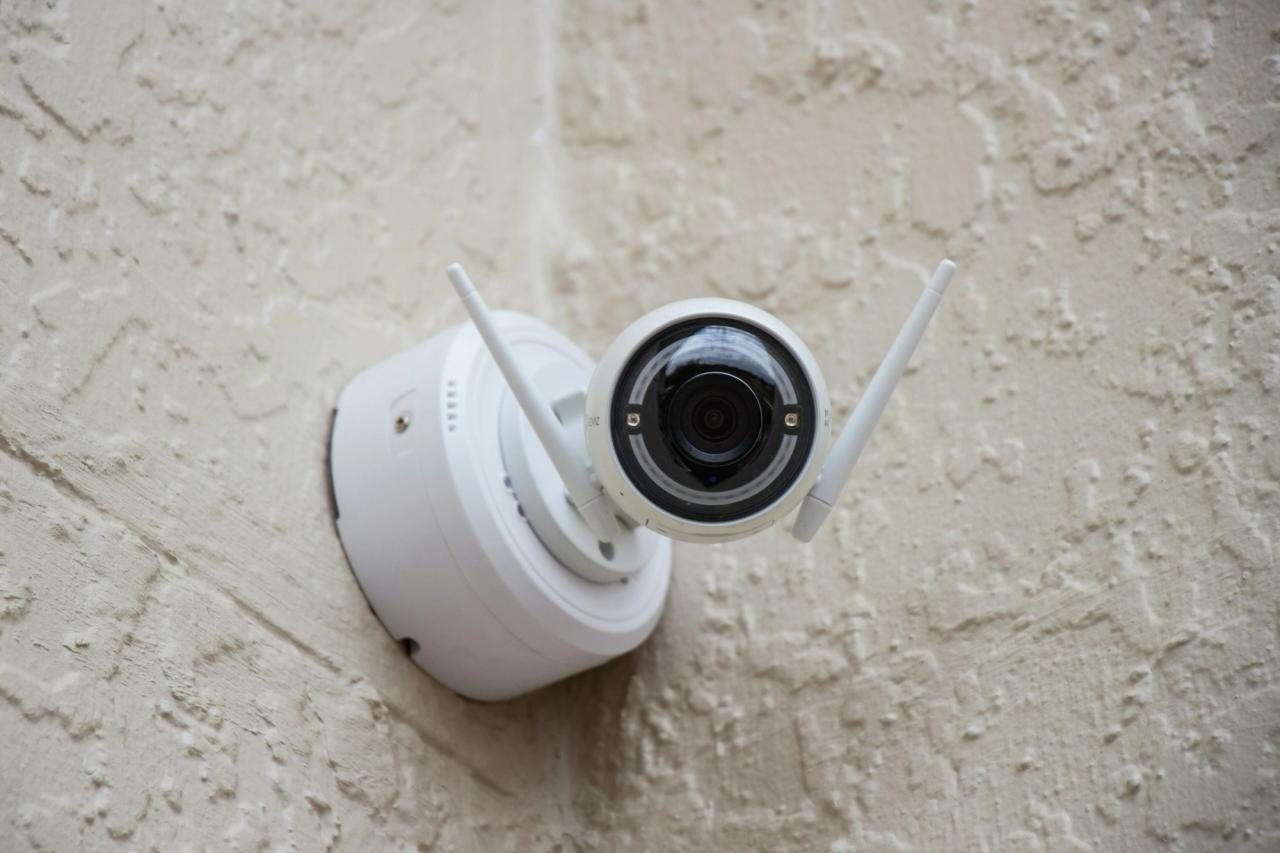
Home and shop security cameras have become much cheaper, and many people in Pakistan now use a WiFi camera to keep an eye on the house, elderly parents, children or a shop counter from their phone. This guide covers current prices for popular WiFi cameras, what a full wired CCTV system involves, and what to check before you buy.
WiFi camera prices in Pakistan
| Camera | Use | Price range |
|---|---|---|
| TP-Link Tapo C200C | indoor | about Rs 5,400 to Rs 6,768 |
| TP-Link Tapo C200 | indoor, pan and tilt | about Rs 5,999 to Rs 7,000 |
| EZVIZ C6N | indoor | about Rs 6,500 to Rs 9,360 |
Swipe the table sideways to see every column.
Prices checked 13 October 2026 on a price comparison site and a shop page (see Sources). The EZVIZ shop page showed two different prices on the same page, so we give both.
What the Tapo C200 offers
From TP-Link's Tapo page for the C200:
- 1080p Full HD video
- Pan and tilt, so you can turn the camera from the app
- Night vision up to about 9 metres (30 feet)
- Two-way audio, so you can talk through the camera
- Motion and person detection, with alerts on your phone
- 2.4GHz WiFi only, so connect it to your router's 2.4GHz band
- microSD card recording. The card is not included. TP-Link says up to 512GB after a firmware update, though one section of the same page says 128GB, so check your version.
- Tapo Care, an optional paid plan, adds snapshots and video clips to notifications.
These features are typical of indoor WiFi cameras at this price, but check each brand's page, because features and storage limits differ.
Wired CCTV systems (DVR or NVR)
A wired system has several cameras connected by cable to a recorder (a DVR or NVR) with a hard drive. You view the cameras on a TV or monitor, and on your phone through the recorder's app.
Good for:
- shops, offices and larger houses
- outdoor areas such as the gate, the garage or the street
- recording all cameras continuously in one place
What it costs: we did not find reliable current prices for complete new kits from the main brands, so we are not giving a figure. Prices depend on the number of cameras, the camera resolution, the hard drive size, the cable length and the installation work. Ask two or three installers for a written quote that lists every item.
Is CCTV required for shops?
We did not find a national or provincial law that requires every shop in Pakistan to install CCTV.
But local orders do happen. In July 2026, ProPakistani and the Express Tribune reported that Faisalabad's City Police Officer ordered shopkeepers, departmental stores, wholesale markets, shopping malls and other commercial establishments in the district to install CCTV cameras within one month. The order said businesses that did not comply could face legal action, including the sealing of premises. It was aimed at preventing child abuse and improving public safety, and at reducing theft and robbery.
If you run a shop, ask your local police station or market association whether a similar order applies in your city.
WiFi camera or wired system?
| You need | Choose |
|---|---|
| One or two indoor cameras at home | WiFi camera |
| Watching a baby, parent or pet | WiFi camera with two-way audio |
| A shop counter and a stockroom | 2 to 4 WiFi cameras, or a small wired kit |
| Outdoor gate, street and several rooms | wired DVR or NVR system |
| Recording that keeps working when WiFi is down | wired system, or WiFi cameras with microSD cards |
Swipe the table sideways to see every column.
What to check before you buy
- Indoor or outdoor. Indoor cameras are not built for rain, dust and heat. Use an outdoor-rated camera outside.
- WiFi band. Many cameras only use 2.4GHz. Make sure your router's 2.4GHz band reaches the camera's spot. See our WiFi router guide if it does not.
- Storage. Buy a good microSD card from a known brand. Fake cards often fail and lose recordings.
- Power. Cameras need constant power. In areas with load-shedding, plan a UPS for the camera and router, or the camera goes dark when the power goes.
- Privacy. Use a strong password on the app, turn on two-step login if offered, and do not point cameras into neighbours' homes.
- Original products. Buy from a known shop and ask for a warranty. Copies of popular cameras exist, and they may not get updates.
Installation tips
- Place indoor cameras high in a corner to see the whole room.
- Do not point a camera straight at a window or a bright light, as it will be hard to see faces.
- For a shop, cover the door, the counter and the cash area.
- Test the night view before you finalise the position.
Aalajaat, a marketplace where you post what you need and vendors send you offers, is coming soon.