Checking a phone's PTA status takes about two minutes, and it is the most useful thing you can do before buying a used or imported phone. This guide shows the official ways to check by IMEI, what the result means, and how to see the tax amount if the phone is not registered.
Step 1: Find the IMEI with *#06#
The IMEI (International Mobile Equipment Identity) is a 15-digit number that identifies the phone itself, not the SIM. PTA's DIRBS system tracks phones by this number.
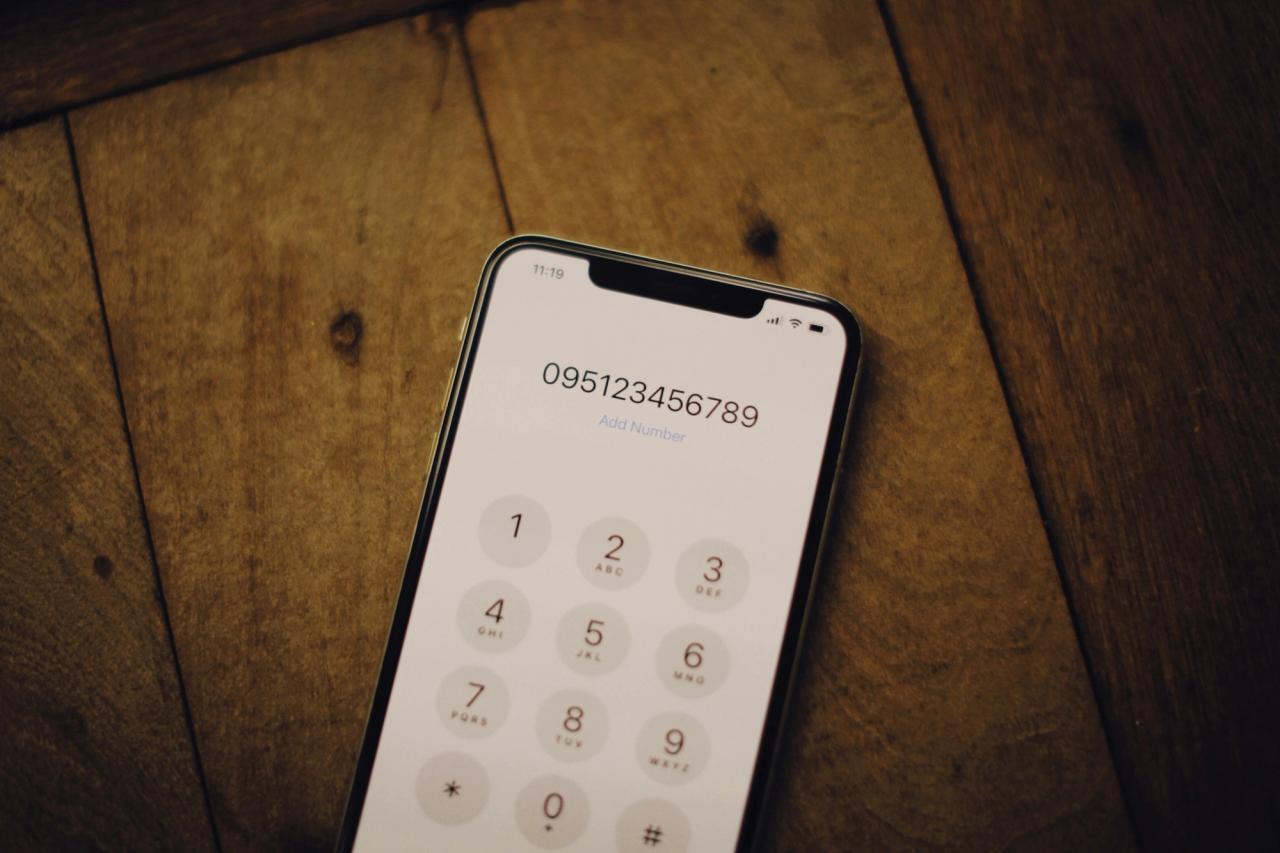
To see it, open the dialer and type *#06#. The number appears on screen straight away. You can also find it:
- in the phone's settings, usually under About phone
- on the box label
- on the SIM tray of some phones
A dual-SIM phone has two IMEI numbers. Each one must be registered for both SIM slots to work, so check both.
When buying a used phone, make sure the IMEI on screen matches the one on the box and in settings. If they do not match, ask why before you go any further.
Step 2: Check the status
DIRBS gives three official ways to check. All three give the same result.
By SMS to 8484
- Open your messages app.
- Type the 15-digit IMEI, with no spaces or other text.
- Send it to 8484.
- Wait for the reply, which tells you whether the device is compliant.
For a dual-SIM phone, send each IMEI in a separate SMS.
On the DIRBS website
Open dirbs.pta.gov.pk, type the IMEI into the check box, and submit. This is useful when you are checking a phone you are about to buy and do not want to use the seller's SIM.
With the DIRBS DVS app
PTA offers the DIRBS DVS (Device Verification System) app for Android on the Google Play Store. It does the same check as the website.
What the result means
The exact reply text can change, but it falls into one of these cases:
| Result | What it means for you |
|---|---|
| Compliant or registered | The phone is registered in DIRBS. It works with any Pakistani SIM, and there is no tax to pay. |
| Not registered or non-compliant | Duty and taxes have not been paid for this IMEI. It will need to be registered before it keeps working with a local SIM. |
| Invalid, stolen or duplicate IMEI | Do not buy it. FBR's procedure says phones with a stolen, duplicate or invalid IMEI are permanently blacklisted. |
Swipe the table sideways to see every column.
DIRBS also pairs a non-compliant phone with the number of the SIM used in it. That is why a non-registered phone may work for a short time with one SIM and then stop.
Step 3: See the tax amount
The SMS and website checks do not show how much tax is due. The only official way to see the amount is to start registration:
- Go to the registration section of the DIRBS website, or dial *8484# from a phone with a local SIM.
- Enter your passport number if you are a traveller who brought the phone in, or your CNIC if you are a local resident.
- Enter the IMEI or IMEIs.
- DIRBS sends the details to FBR's customs system, which works out the duty and creates a payment slip ID (PSID) with the amount.
FBR, not PTA, sets the tax. Our guide to PTA tax on mobile phones in 2026-27 explains how the amount is worked out and why calculator sites often show different numbers.
You can pay the PSID through online banking, a mobile banking app, an ATM or a bank branch. When the payment is confirmed, the phone is white-listed in DIRBS. If you would rather pay in parts, see paying PTA tax in instalments.
Time limits and other rules
- 60 days for travellers. FBR's procedure gives people who bring a phone from abroad 60 days from arrival to register it. After that, the duty is charged with a fine. The DIRBS site also says registration can be done within 60 days through its online service.
- Five phones a year. Under PTA policy, as noted in FBR's procedure, one person can register up to five phones in a year.
- Short visits. Overseas Pakistanis and foreigners on short visits can apply for temporary registration of one phone, linked to a SIM in their name. It ends after 120 days.
- Foreign SIMs. FBR's procedure notes that a visitor using a foreign SIM on roaming can keep doing so without registering. Once a local SIM goes in, the phone has to be compliant.
Checking a phone before you buy it
If you are buying used, or buying a phone described as "non-PTA" or "JV", do these checks in front of the seller:
- Dial *#06# and note both IMEIs.
- Match them with the box and the settings screen.
- Check each IMEI on the DIRBS website or by SMS to 8484.
- If the seller says "PTA approved", the result must show the phone as registered. If it does not, the phone is not approved, whatever the listing says.
- If the phone is not registered, find out the tax before you agree a price. Add it to the asking price and compare the total with an approved phone.
For a full explanation of approved, non-PTA and JV phones, see PTA approved vs non-PTA and JV phones.